Suspect a highly sophisticated cyber attack or persistent spyware on your system? Talk to us — we provide professional digital forensics and incident response services for individuals and organizations.
The Danger of Device Compromise in 2026
For years, a device infection meant obvious adware pop-ups or a frozen desktop. It was annoying, but easily detectable. Today, the landscape has completely shifted as threat actors deploy stealthy spyware and advanced persistent threats that run quietly in the background without leaving immediate traces.
That is changing fast.
Device compromise now involves sophisticated state-of-the-art malware that targets your session tokens, keystrokes, personal communications, and crypto wallets. Once an attacker gains a foothold, they can remain embedded in your operating system for months, exfiltrating data without your knowledge. Knowing how to react in the initial minutes of discovering a hack is critical to protecting your digital identity.
📌 Caught an Unexplained Glitch? Mysterious pop-ups, rapid battery drain, or feeling watched? Don’t let a hacker live in your pocket. Erase hidden trackers today with our Professional Personal Forensic & DFIR Support.
📌 Facing online harassment, doxing, or someone is blackmailing you with your leaked data? Don’t suffer in silence or let extortionists control your peace. Trace the digital footprints of attackers with our Professional OSINT & Cyber Investigation Support.
See how to implement broader security automation in How to Automate Security Operations.
Warning Signs: How to Tell If Your Device Is Hacked
Unusual Battery Drain and Performance Drops
If your smartphone or laptop suddenly becomes hot to the touch while sitting idle, or the battery drops drastically within an hour, background processes are likely at work. Malicious scripts or spyware continuously capture data, activate cameras, and compress files, which spikes CPU utilization.
Suspicious Account Activity
Receiving unexpected two-factor authentication (2FA) codes or password reset emails you didn’t trigger is a huge red flag. This indicates that an attacker already knows your credentials and is actively trying to bypass your secondary security layers to take over your accounts.
Unauthorized System Configurations
Finding unfamiliar applications installed on your system, strange browser extensions you don’t remember adding, or discovering that your local antivirus protection has been mysteriously disabled means an external entity or automated script has altered your device’s administrative access.
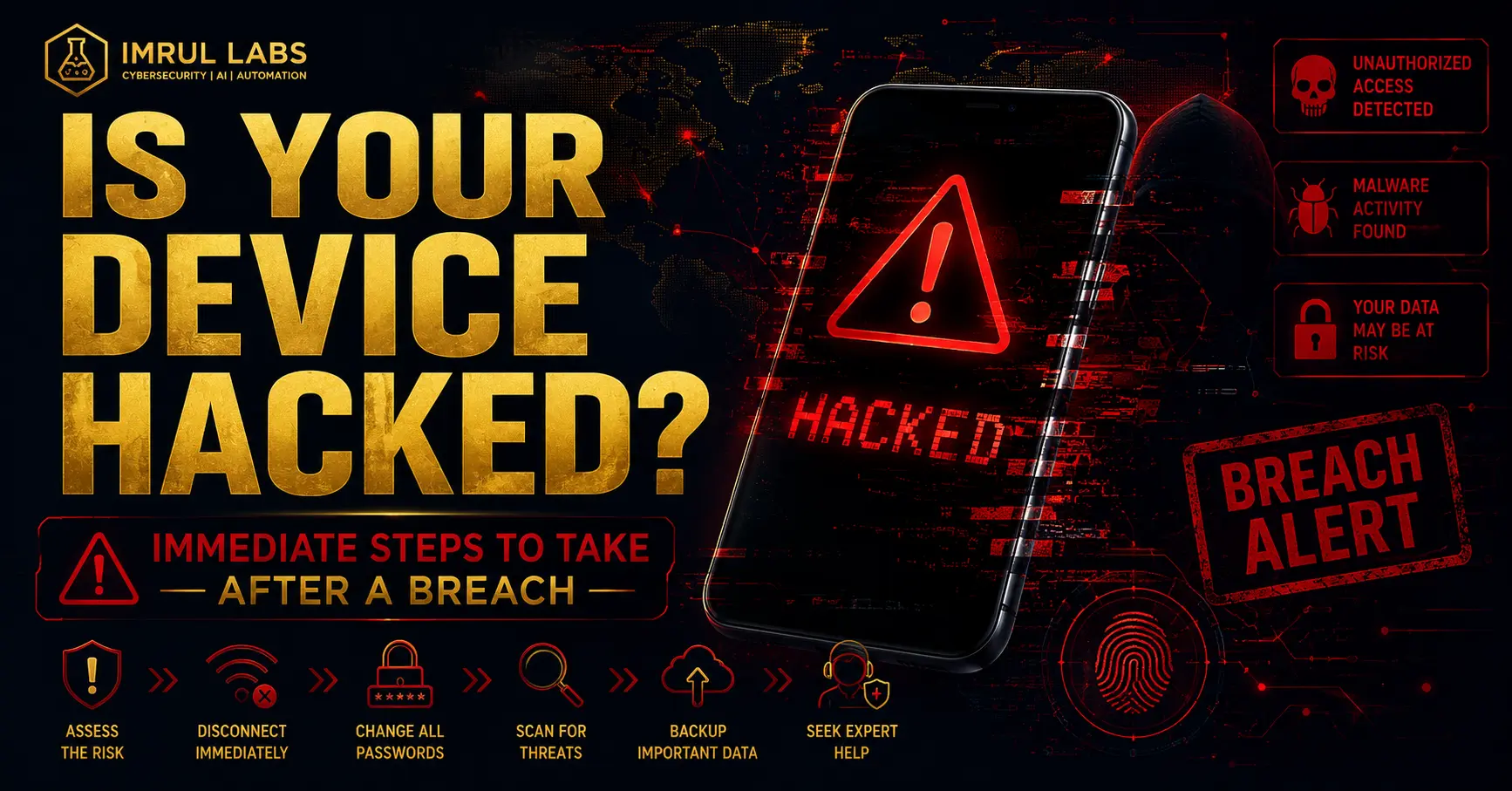
4 Immediate Steps to Take After You Are Hacked
If the indicators point to a definitive security breach, every second counts. Your response strategy should focus entirely on immediate containment and isolation.
1. Sever the Network Connection
The absolute first action must be isolating the infected device from the outside world. Disconnect from your home Wi-Fi network and disable cellular data immediately.
Attackers rely entirely on an active internet connection to send commands, stream your screen, and exfiltrate your private databases. Turning on Airplane Mode instantly blinds the hacker and cuts off their data pipeline.
2. Change Critical Credentials via a Clean Device
Do not attempt to change passwords using the compromised smartphone or laptop. If a keylogger or infostealer is actively running on that machine, it will capture your newly generated passwords in real time.
Instead, use a trusted secondary device to rapidly reset access keys for your primary accounts:
- Core Email Accounts (Gmail, ProtonMail, Outlook)
- Financial Portals and Crypto Wallets
- Critical Business Directories and Cloud Storage
3. Review Permissions and Device Administrators
Malware frequently escalates privileges to ensure persistence even after basic reboots. Navigate deep into your system settings to audit active security access.
- On Android/iOS: Check for unknown apps listed under Device Admin Apps or Accessibility Services.
- On Windows/Mac: Inspect your Startup programs and active services running from temporary or hidden folders. Revoke any app that seems out of place.
4. Backup Pure Data and Initiate a Factory Reset
When custom spyware or zero-day exploits are involved, regular scanning tools fail to completely clean the environment. A scorched-earth approach is the safest route.
- Move essential documents and images to an external drive. Do not backup executable applications or system files, as malware often attaches itself to them.
- Execute a complete Factory Data Reset to wipe the local hard drive entirely and reinstall a clean, uncorrupted version of the operating system.
Moving Forward: Building a Resilient Digital Defense
A device compromise is an exhausting experience, but it highlights the need for a stronger personal threat model. Moving forward, ensure that automated software patches are enabled across all endpoints, avoid interactively clicking links in unsolicited communications, and completely stop downloading cracked software or unauthorized software utilities.
If you are dealing with high-stakes assets or suspect a targeted infrastructure breach, standard off-the-shelf security software will not provide the depth needed to map the attack path.
Technical Forensic Support with ImrulLabs
At ImrulLabs, we provide expert digital forensics, malware analysis, and incident response services to help you recover from breaches, clean compromised environments, and implement hardened security frameworks.
Get in touch to discuss what security frameworks can protect your organization.
Frequently Asked Questions
How do I know if my phone has a hidden RAT or spyware? Key signs include rapid battery drain, the device overheating while idle, unusually high mobile data usage, apps running in the background without your permission, and the camera or microphone activating unexpectedly. Advanced Remote Access Trojans (RATs) disguise themselves as system services and are invisible to standard antivirus tools. A professional digital forensics investigation is the only reliable way to detect and remove them completely.
Should I turn off my device if I think it has been hacked? No. Do not turn off the device immediately. Shutting it down destroys volatile forensic evidence stored in RAM — including active processes and network connections that can identify the attacker. The correct first step is to enable Airplane Mode to cut the attacker’s connection, then contact a forensic professional for a proper evidence capture.
Can a hacker access my phone remotely without me knowing? Yes. Through phishing links, malicious APK files, or fake app updates, attackers can install spyware that gives them full remote access to your device — including your camera, microphone, messages, and files — without any visible signs. This is known as a Remote Access Trojan (RAT) infection.
What is the difference between a factory reset and a forensic investigation? A factory reset wipes your device and removes most malware, but it also destroys all forensic evidence. A forensic investigation preserves evidence first — capturing a complete image of the device before any changes are made — then identifies exactly what happened, who was responsible, and what data was stolen. If legal action is needed, a forensic investigation is essential.
When should I call a professional instead of handling it myself? You should contact a professional forensic investigator if you suspect targeted spyware rather than common malware, if sensitive personal or business data may have been stolen, if you are being blackmailed or extorted, or if you need legally admissible forensic evidence. Standard IT support or antivirus tools are not equipped for these scenarios.
📌 Need Expert Help? Talk to our certified forensics team today for DFIR & Incident Response.