Experiencing a ransomware attack right now? Contact us immediately — we provide emergency incident response services.
The Clock Starts the Moment You Discover It
You open your laptop and see a ransom note. Or a colleague calls to say their files have been encrypted. Or your server monitoring alerts you to unusual activity across multiple systems simultaneously.
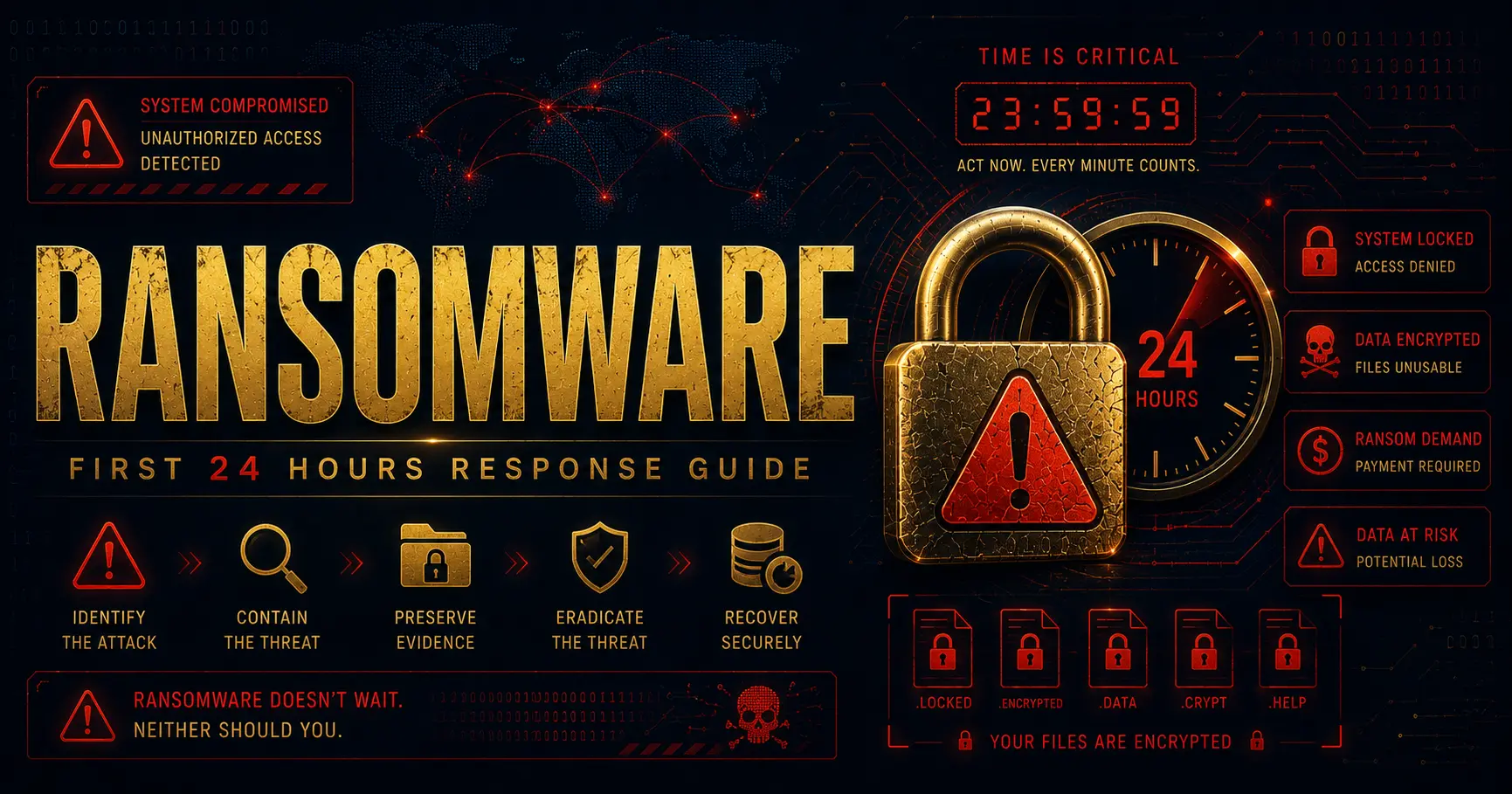
Whatever the trigger, the moment you discover a ransomware attack, a critical clock begins. The decisions you make in the next 24 hours will significantly determine the outcome — how much data you lose, how long you are down, and whether you can recover without paying the ransom.
This guide walks you through exactly what to do, step by step.
To build a proper response plan before an attack occurs, read How to Build an Incident Response Plan.
Learn the warning signs before ransomware strikes in 5 Warning Signs Your Business Has Been Hacked.
📌 Need Expert Help? Talk to our certified forensics team today for Personal Cyber Investigation & DFIR Services.
What is Ransomware?
Ransomware is a type of malicious software that encrypts files on infected systems, making them inaccessible to their owners. Attackers then demand payment — typically in cryptocurrency — in exchange for the decryption key.
Modern ransomware attacks have evolved significantly. Today’s attackers often:
- Spend weeks or months inside a network before deploying ransomware
- Exfiltrate sensitive data before encrypting it, enabling double extortion
- Target backups specifically to prevent recovery
- Deploy ransomware across entire networks simultaneously
This makes rapid, methodical response more important than ever.
Hour 0-2: Immediate Containment
Do Not Power Off Affected Systems
This is counterintuitive, but critical. Powering off systems immediately destroys volatile memory — RAM — which can contain encryption keys, attacker tooling, and other forensic evidence that investigators need. Unless a system is actively spreading the ransomware and cannot be isolated any other way, keep it powered on.
Isolate, Do Not Shut Down
Disconnect affected systems from the network immediately — unplug ethernet cables, disable Wi-Fi — but keep them running. This stops the ransomware from spreading further while preserving forensic evidence.
Identify the Scope
Quickly assess which systems are affected. Is this isolated to one workstation? A department? Is it spreading across your entire network? Understanding the scope helps prioritize your response.
Preserve Evidence
Do not attempt to clean or restore systems before forensic evidence has been captured. This is one of the most common and costly mistakes organizations make in the immediate aftermath of an attack.
Hour 2-6: Assessment and Notification
Identify the Ransomware Variant
The specific ransomware variant matters. Some have known decryption tools available, particularly older variants. Identify the ransomware family from the ransom note, file extensions, or other indicators. Resources like NoMoreRansom.org maintain a database of free decryption tools for known variants.
Check Your Backups
Immediately verify the status and integrity of your backups. Are they intact? Were they connected to the network when the attack occurred? Have they been encrypted or deleted?
If you have clean, recent backups that were not affected, your recovery path becomes significantly clearer.
Notify Key Stakeholders
Inform your leadership team, IT department, and legal counsel immediately. Ransomware attacks often have legal and regulatory implications, particularly if personal data has been compromised.
Depending on your jurisdiction and industry, you may have legal obligations to notify regulators and affected individuals within specific timeframes. Get legal counsel involved early.
Engage a Professional Incident Response Team
If you do not have an experienced incident response team in-house, now is the time to engage one. Professional IR teams can:
- Capture forensic images of affected systems before evidence is lost
- Identify the initial attack vector and timeline
- Determine whether data was exfiltrated before encryption
- Assist with recovery and remediation
The cost of professional IR assistance is almost always far less than the cost of a prolonged, mishandled recovery.
Hour 6-12: Investigation and Decision Making
Do Not Pay the Ransom Without Careful Consideration
Paying the ransom is not a guaranteed solution. Research consistently shows that:
- A significant percentage of organizations that pay do not receive a working decryption key
- Paying marks you as a target willing to pay — increasing the likelihood of future attacks
- Payment may violate sanctions regulations in some jurisdictions
- Even with a decryption key, recovery is often slow and incomplete
Consult with legal counsel and your IR team before making any decision about payment.
Determine the Attack Vector
Understanding how attackers got in is essential — not just for the current incident, but to prevent recurrence. Common ransomware entry points include:
- Phishing emails with malicious attachments or links
- Exploited vulnerabilities in internet-facing systems
- Compromised remote desktop protocol (RDP) access
- Supply chain compromise through a third-party vendor
Assess Data Exfiltration
Modern ransomware groups frequently exfiltrate data before encrypting it. If sensitive data — customer records, financial information, intellectual property — was accessed or stolen, this has significant legal and reputational implications beyond the encryption itself.
Your IR team can analyze network logs and other forensic evidence to determine whether exfiltration occurred.
Hour 12-24: Recovery Planning
Begin Rebuilding from Clean Backups
If you have clean backups, begin the recovery process with your most critical systems. Restore to clean hardware or a clean environment — do not restore to systems that may still be compromised.
Verify restored systems are clean before reconnecting them to your network.
Implement Temporary Workarounds
For critical business functions that cannot wait for full recovery, implement manual workarounds where possible. Communicate clearly with your team and customers about the situation and expected timelines.
Harden Your Environment
Before bringing systems back online, implement immediate security improvements to reduce the risk of reinfection:
- Force password resets across all accounts
- Enable multi-factor authentication everywhere possible
- Patch known vulnerabilities in internet-facing systems
- Review and restrict remote access
Document Everything
Maintain a detailed log of everything that occurs during your response — timestamps, decisions made, systems affected, communications sent. This documentation is essential for insurance claims, regulatory reporting, and post-incident review.
After 24 Hours: Recovery and Lessons Learned
Recovery from a ransomware attack is rarely a 24-hour process. Full recovery can take days, weeks, or even months depending on the scale of the attack and the state of your backups.
Once you are through the immediate crisis, conduct a thorough post-incident review:
- What was the initial attack vector?
- What security controls failed or were missing?
- What could have been detected earlier?
- What changes are needed to prevent recurrence?
Use these findings to drive meaningful security improvements — not just a return to the status quo that was compromised in the first place.
How ImrulLabs Can Help
At ImrulLabs, we provide emergency ransomware response services to organizations globally. From initial containment and forensic investigation to recovery support and post-incident hardening, we guide you through every step of the process.
If you are currently dealing with a ransomware attack or want to build your response capability before one occurs, get in touch for a free consultation.
📌 Individual or business — if ransomware or malware has locked your files or compromised your device, get confidential help now.
Frequently Asked Questions
Can ransomware affect my personal laptop or phone? Yes. Ransomware targets individuals as much as businesses. Personal laptops, home computers, and even Android devices can be infected — typically through malicious email attachments, fake software downloads, or compromised websites. If your personal files have been encrypted and you are seeing a ransom demand, treat it as seriously as a business attack. Do not pay, do not restart the device, and contact a professional immediately.
Should I shut down my systems immediately after discovering a ransomware attack? No. Shutting down affected systems destroys volatile forensic evidence stored in RAM — including encryption keys, attacker tools, and active network connections. The correct response is to disconnect from the network by unplugging ethernet cables and disabling Wi-Fi, while keeping the systems powered on. This isolates the threat without destroying evidence.
Should I pay the ransom? In most cases, no. Paying does not guarantee you will receive a working decryption key. It also marks your organization as a willing target, increasing the likelihood of future attacks. Before making any decision, consult legal counsel and engage a professional incident response team to explore all recovery options first.
How long does a professional ransomware investigation take? Initial containment and triage begins within hours of engagement. A full forensic investigation — including identifying the attack vector, assessing data exfiltration, and producing a forensic report — typically takes 3 to 7 days depending on the scale and complexity of the incident. Recovery timelines vary based on backup availability and the extent of damage.
How do ransomware attackers get into a network? The most common entry points are phishing emails with malicious attachments or links, exploited vulnerabilities in internet-facing systems such as VPNs or RDP, compromised credentials purchased from dark web marketplaces, and supply chain attacks through third-party vendors. A forensic investigation identifies the exact entry point to prevent recurrence.
What is double extortion ransomware? Double extortion is a tactic where attackers first steal your data before encrypting it. They then threaten to publicly release the stolen data unless the ransom is paid — even if you restore from backups. This makes forensic investigation critical, as it determines whether exfiltration occurred and what data may be at risk.
📌 Need Expert Help? Talk to our certified forensics team today for DFIR & Incident Response.